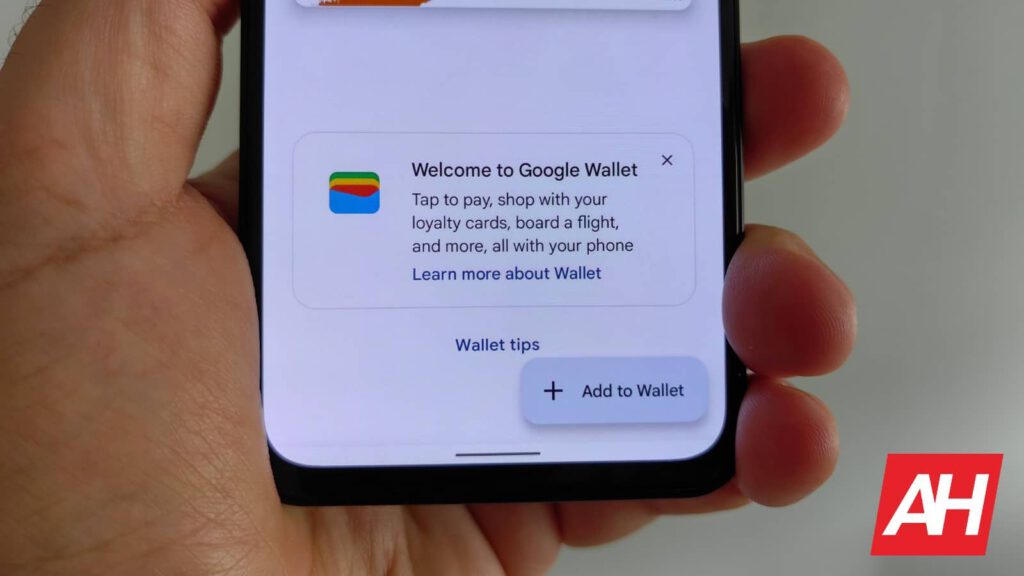
Google Wallet now allows users to give nicknames to their digital passes, like transit passes, event tickets, or loyalty cards. This comes after the Material 3 Expressive redesign recently. With nicknames, you can better organize them in the Google Wallet app and website. This was first announced in the April 2025 Play Services Release Notes.
Google Wallet rolls out nicknames for passes
Google Wallet nicknames can be up to 25 characters. To add a nickname, open a pass, tap the three-dot menu in the top right, and choose “Add a nickname.” They will show up under the pass title on the main screen, which should make it easier to find in the app. The new nicknames feature can be useful for those who have a lot of passes from the same provider, like loyalty memberships or different transit cards.
This new addition adds to previous improvements. Earlier this year, Google Wallet introduced the “Everything Else” feature. Through Google AI, this lets users create digital passes just by taking a photo. These can include business cards, IDs, library cards, registrations, and more. However, the feature is available only in the US, though.
Nearby Passes Notifications
Google Wallet is also highlighting Nearby Passes notifications. The “Nearby Passes Geofence Notifications are now available for all regular pass types. You now get an alert the next time you’re close to places where you can use a saved pass, like, for example, venues or stores. With one tap, you can open the right pass.
There are new tools for developers as well. Passes received through Gmail can be automatically provided; Gmail’s Smart features are enabled. Furthermore, merchants using Smart Tap can also ask users to join their loyalty programs after a purchase. Multiple access cards with the same Application ID can now be “provisioned” to a single Google Wallet.